Understanding Meta Business Manager Limits and How to Work Around Them
A comprehensive guide to Meta Business Manager restrictions, spending limits, and how verified agency accounts provide higher thresholds for serious advertisers.


Business Manager Limits Overview
Meta Business Manager comes with several built-in limits that can restrict your advertising capabilities. Understanding these limits is the first step to working within, or around, them.
The most common limits include ad account creation caps, spending thresholds, and pixel limitations. Each of these can be a bottleneck for growing advertisers.
Spending Thresholds Explained
New Business Managers typically start with low spending limits, sometimes as low as $50/day. These limits increase over time based on account history, payment reliability, and ad quality.
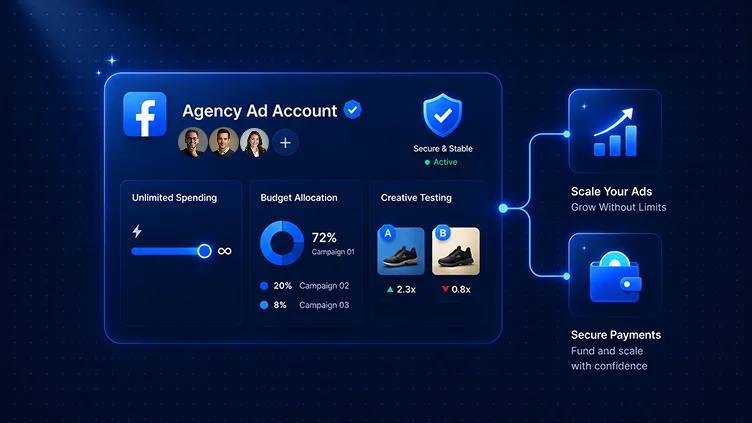
Verified agency accounts bypass many of these restrictions, starting with significantly higher limits from day one. This is one of the primary reasons serious advertisers invest in agency infrastructure.
Best Practices for BM Management
To maintain a healthy Business Manager and avoid restrictions:
- Keep your BM verified with up-to-date business documentation
- Maintain a consistent payment history without chargebacks
- Follow Meta's advertising policies strictly
- Use 2FA on all admin accounts
These practices not only prevent restrictions but also signal to Meta that you're a trustworthy advertiser.

Related Articles
You might also like these reads on similar themes.


Your next winning campaign starts here
Join 500+ advertisers who trust GOADS. Stable assets, real support, instant replacement.